Gamma vs Canva for AI presentations (2026)
Affiliate disclosure: This post may contain affiliate links. If you buy through our Gamma link (affiliate link coming soon), we may earn a commission at no extra cost to you. Canva links go to affiliate link coming soon. We only recommend tools we’d use ourselves. Opinions are our own.
Short verdict
Pick Gamma if your bottleneck is getting a coherent first draft of a deck from a brief, outline, or PDF—and you’re happy presenting from a shareable web link (with PPTX/PDF as backup).
Pick Canva (Magic Studio) if presentations are one slice of a wider brand system—social, ads, one-pagers, pitch visuals—and you need pixel-level control, Brand Kits, and a design ecosystem your clients already recognise.
| Use case | Winner | Why |
|---|---|---|
| Prompt → full narrative deck in minutes | Gamma | Purpose-built gamma AI presentation generator; cards + themes do the structure |
| Same brand across decks and social/ads | Canva | Magic Studio sits inside a full design suite + Brand Kits |
| Client-ready link with light analytics | Gamma | Live share + viewer insights on higher plans |
| Strict PowerPoint masters / agency handoff | Canva (or neither alone) | Canva’s canvas maps better to designer workflows; always re-check PPTX either way |
| Freelancer on a tight AI budget | Tie → try both free | Gamma: one-time credits; Canva: monthly AI allowance—test your real prompt volume |
| Team brand governance & approvals | Canva Business+ | Kits, templates, approvals scale further than Gamma’s theme branding |
Bottom line for most freelancers and consultants in 2026: start decks in Gamma when speed-to-structure wins the day; keep Canva when the deliverable must match a multi-asset brand system. Many of us end up using both.
Who each is for (and not for)
Gamma is for you if…
- You sell proposals, workshops, webinars, or thought-leadership decks and hate staring at a blank slide.
- You’re fine sharing a live Gamma link as the primary deliverable (export is the safety net).
- You want AI to own outline → layout → first pass copy, then you edit cards and tone.
- You’re a solo marketer or consultant who regenerates variants often (pricing, case studies, pitch angles).
Gamma is probably not for you if…
- Your client’s brand team requires locked templates, multi-kit approvals, and design-system rigidity across 20+ asset types.
- You need deep object-level design (custom illustrations layered like a Figma/Canva canvas) on every slide.
- Your final file must be a pristine PowerPoint master with editable slide layouts—Gamma’s PPTX export works, but it’s not a master-template factory.
Canva (Magic Studio) is for you if…
- Presentations sit next to Instagram carousels, LinkedIn graphics, one-pagers, and ads in the same Brand Kit.
- You (or your VA) already live in Canva and want Magic Design / Magic Write as accelerators, not a new stack.
- Stakeholders review visually and expect drag-and-drop polish and familiar Canva share links.
Canva is probably not for you if…
- You mainly need narrative structure from messy notes and don’t want to babysit layouts after Magic Design.
- You’re comparing canva magic studio vs gamma purely on “who writes the better deck outline”—Gamma usually wins that narrow race.
- You’ve hit Free/Pro AI allowances hard and only care about presentation generation (Gamma’s credit model may be clearer for deck-heavy months).
AI workflow walkthrough
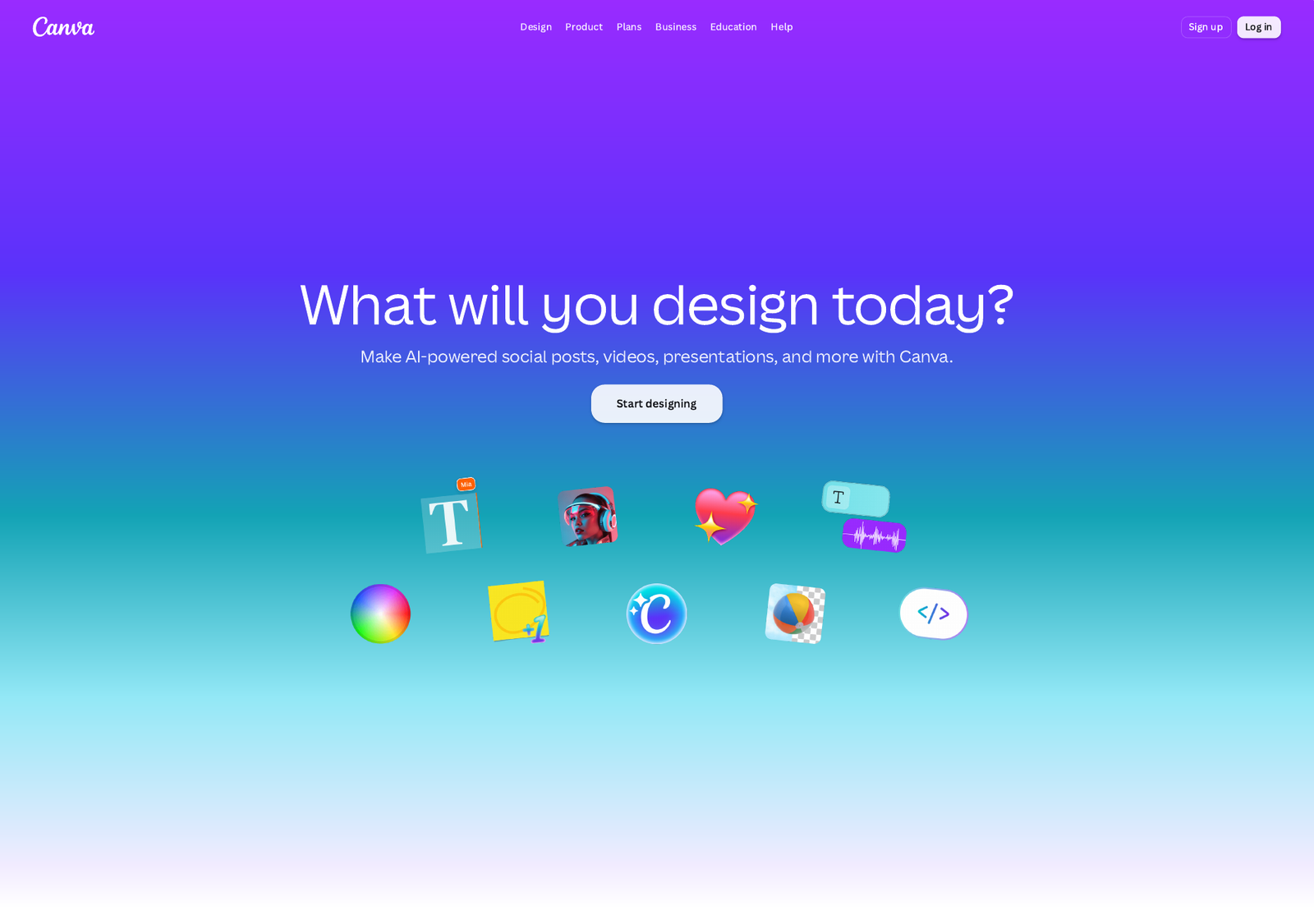
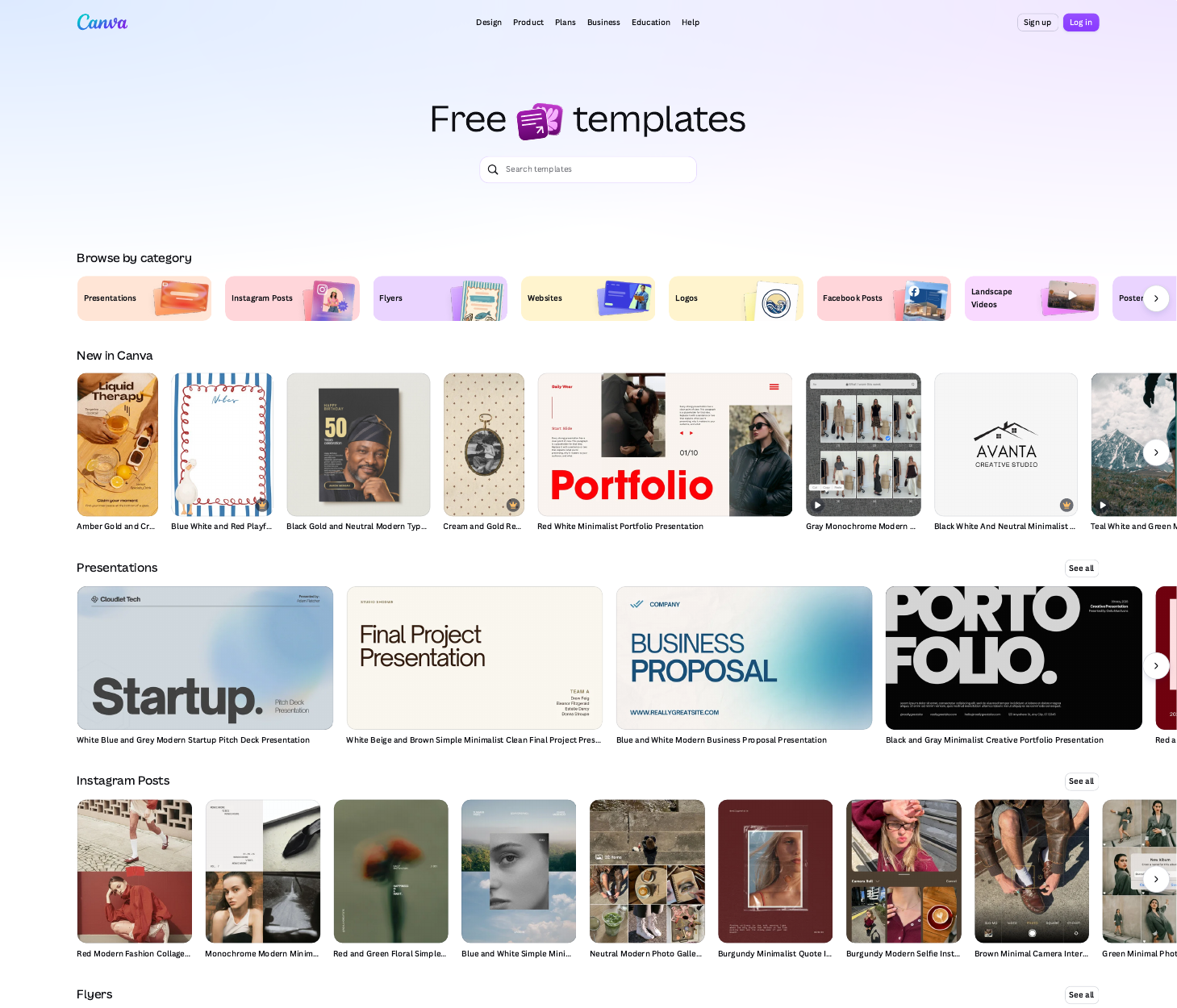
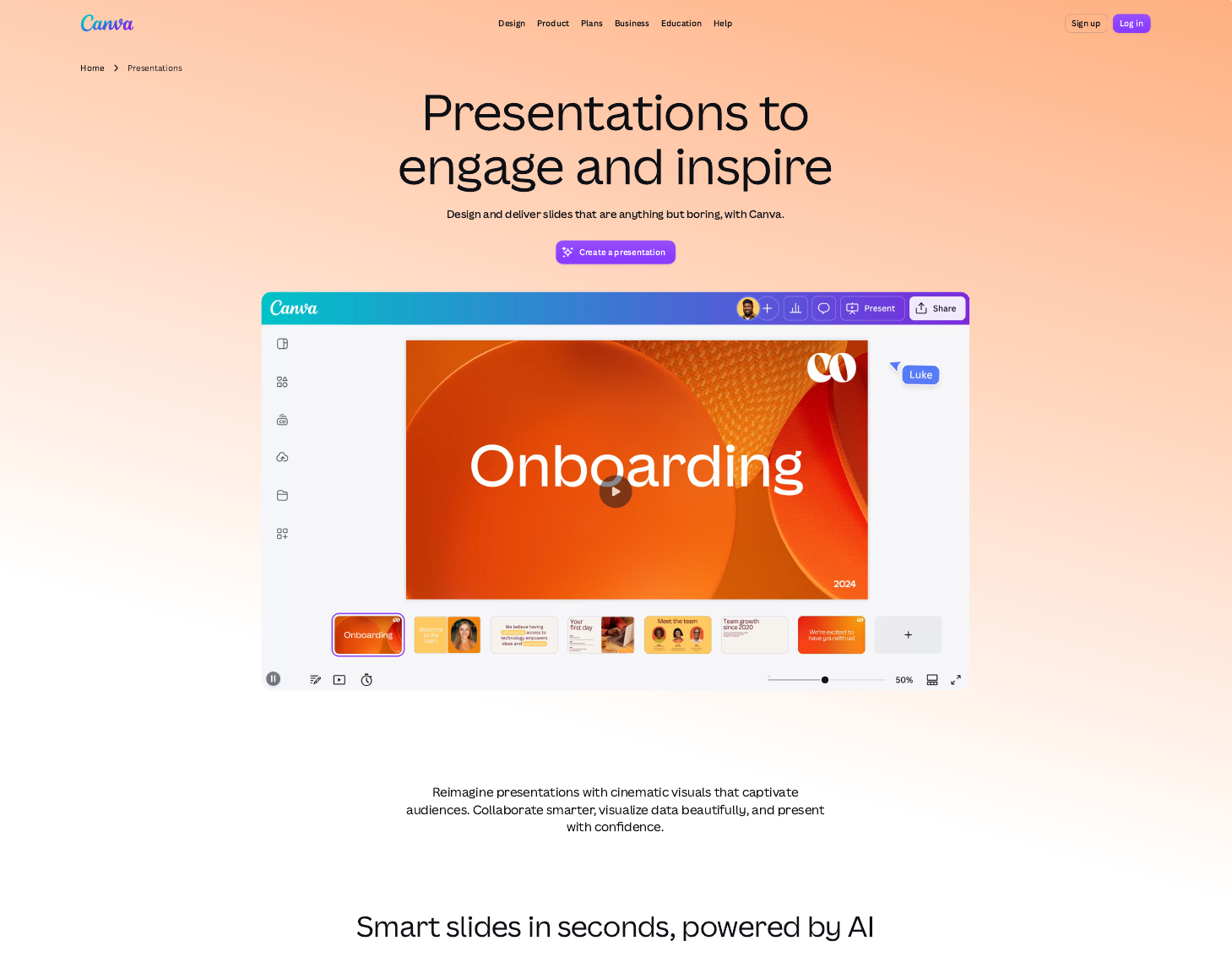
Screenshots: capture from free tiers before publish—home → generate → edit → share/export. Slots marked below.
Gamma AI presentation: prompt to shareable deck
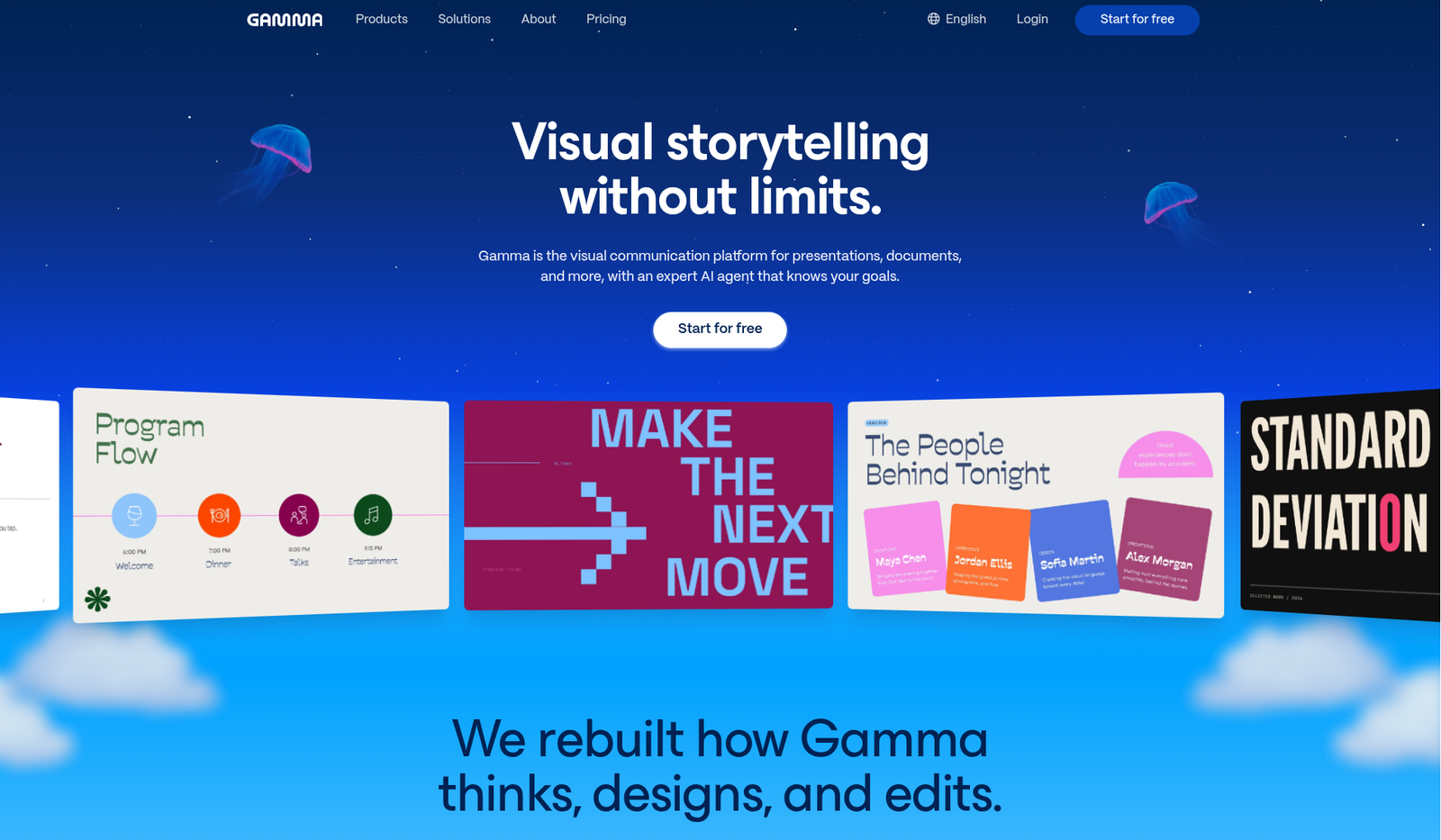
- Start from the Gamma home/create flow. Choose Presentation (Gamma also does docs, sites, social—ignore those for this comparison).
- Pick an input path:
- Paste a prompt (“Series A pitch for a B2B analytics tool, 12 slides, UK English, sceptical CFO audience”).
- Or paste an outline / notes.
- Or import PDF / PPTX and ask Gamma to restyle or restructure.
- Set constraints early: approximate slide/card count (Free caps generation around 10 cards per prompt; paid lifts that), tone, and whether you want image-heavy cards.
- Generate. Gamma builds a card-based deck with themes, not a free-form artboard. Review the story arc first—titles, order, missing objections—before tweaking colours.
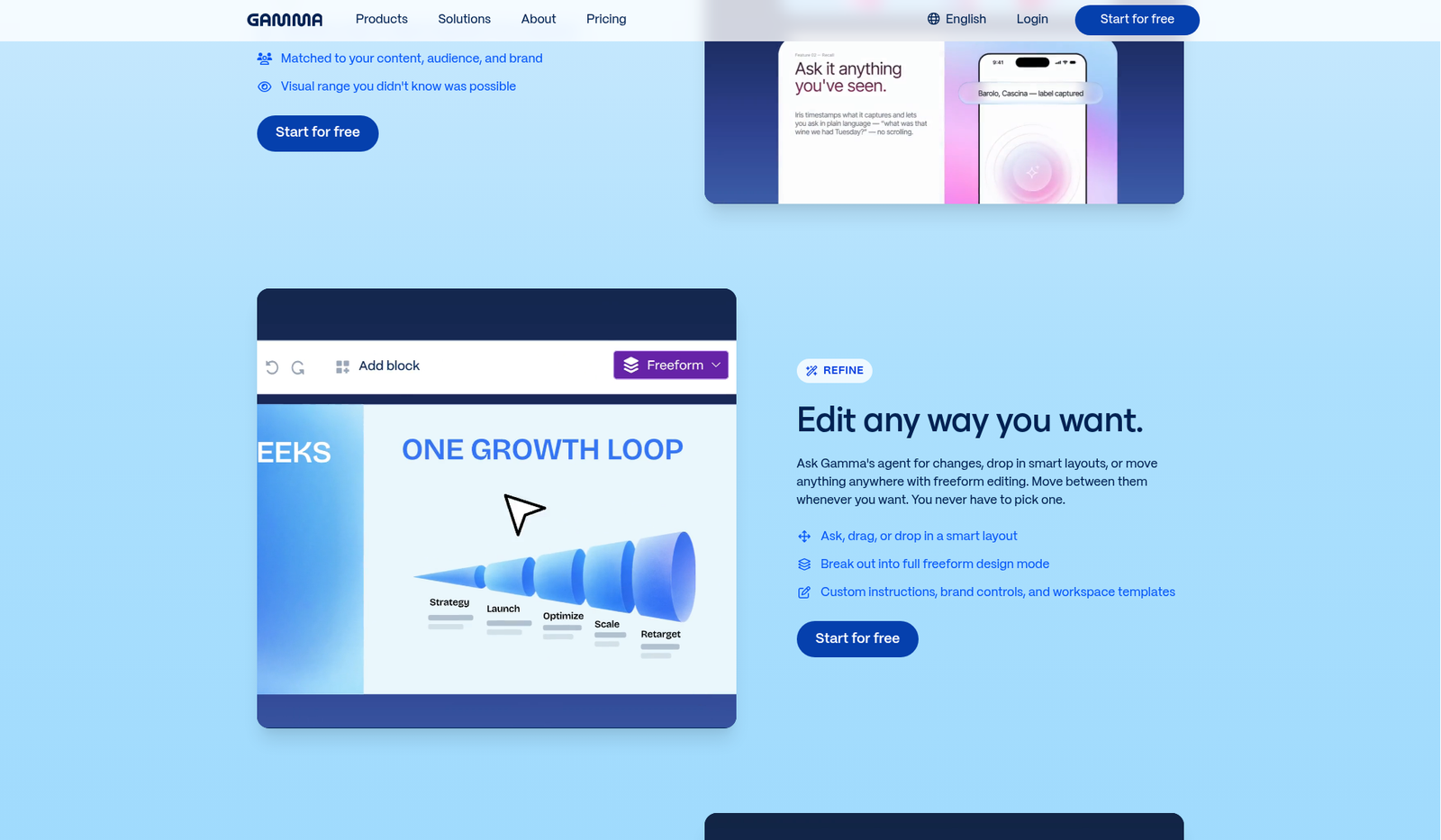
- Edit like a writer-designer hybrid: rewrite card copy, swap layouts, regenerate individual cards, drop in logos, and lock a theme. Prefer changing content over fighting every pixel.
- Present or share via link (presenter mode). For offline clients, Export → PDF / PPTX / PNG (and Google Slides via PPTX path). Expect some visual fallbacks on gradients, frosted effects, and table corner styles—spot-check the export once.
Practical tip: Feed Gamma audience + decision + proof points, not just “make a pitch deck.” Bad briefs still produce pretty mediocrity.
Canva Magic Studio: Magic Design for presentations
- Open Canva → Presentations (or Create → Presentation).
- Use Magic Design (Magic Studio family): enter a short prompt and/or upload media. Magic Design proposes layouts with a unified story outline.
- Apply Brand Kit (colours, logos, fonts) when available on your plan so the draft isn’t generic stock teal.
- Switch to the familiar drag-and-drop canvas: nudge elements, swap stock, Magic Write on selected text, Magic Animate if you’re presenting in Canva.
- Collaborate with comments / shared edit links; schedule or export when the deck is one asset among many.
- Export PPTX, PDF, MP4, or present in Canva. PPTX still needs a sanity check in PowerPoint—fonts and complex effects can shift.
Practical tip: Magic Design is strongest when brand assets already exist. Without a kit, you’ll spend the time you saved on generation re-aligning to client colours.
Honest workflow contrast
| Step | Gamma | Canva Magic Studio |
|---|---|---|
| Blank → structured outline | Strong default | Good, more template-flavoured |
| Visual uniqueness | Theme + card system | Full canvas + huge asset library |
| Iteration style | Regenerate / rewrite cards | Manual edit + Magic Write / resize |
| Primary share | Web gamma | Canva link or file export |
Pricing & limits (public pages, checked for this draft)
Prices change by region, tax, and billing period. Figures below are US-oriented public list prices researched October 2026. Re-verify on gamma.app/pricing and canva.com/pricing on publish day. Labelled where sources disagreed or WebFetch couldn’t confirm live HTML.
Gamma (per seat)
| Plan | Billing (typical public list) | AI / limits (high level) |
|---|---|---|
| Free | $0 | ~400 credits once (no monthly refill); generate up to ~10 slides/cards per prompt; export PDF/PPTX/PNG/Google Slides path; Gamma branding on free outputs |
| Plus | About $12/mo month-to-month or $9/mo billed annually (~$108/yr) | ~1,000 credits/mo; up to ~100 cards per prompt; remove Gamma branding; advanced image models |
| Pro | About $25/mo or $18/mo annual (~$216/yr) | ~4,000 credits/mo; custom branding; analytics & advanced sharing; API; up to ~10 custom domains |
| Ultra | About $100/mo or $90/mo annual | ~20,000 credits/mo; most advanced models; up to ~100 custom domains |
| Business | Often shown around $40/seat/mo on annual (~$480/yr) | Higher per-seat credits; SSO / advanced controls (confirm on site) |
Credits vary by action and model; unused paid credits can roll over up to a stated cap (Gamma documents ~2× monthly). Free credits don’t refill monthly.
Uncertain / re-check: Exact Business monthly-only pricing (some pages emphasise annual); credit costs per specific action; regional taxes.
Canva (individuals / teams — Magic Studio included by plan, not sold separately)
| Plan | Billing (US public list, Oct 2026 research) | AI / brand notes |
|---|---|---|
| Free | $0 | Shared AI allowance often described as up to ~200 Standard or ~20 Premium uses (mixed workloads consume differently); limited Brand Kit (e.g. colours capped) |
| Pro | Commonly listed around US$180/year for one person (~$15/mo equivalent on annual); monthly billing also exists at a higher effective rate | Roughly ~10× Free AI access (Standard/Premium/Ultra tiers share one allowance); ~5 Brand Kits; premium assets, Magic Resize, etc. |
| Business | Around US$250/year per person | Roughly ~20× Free AI; many Brand Kits + approvals; team admin |
| Enterprise | Custom | SSO/SCIM, governance, large Brand Kit counts |
Magic Design, Magic Write, and related Magic Studio tools draw from the shared AI allowance—heavy image/video AI burns the meter faster than light text assists. Optional AI Pass / top-ups appear on paid tiers (confirm current add-on pricing on Canva’s site).
Uncertain / re-check: Some third-party trackers still quote Pro near $144/yr or $18/mo; Canva’s own US comparison grid in our research showed US$180/year for Pro. Treat $180/yr as the primary cite and confirm live. UK/AU list prices differ (e.g. regional currency pages). Exact Magic Design vs Magic Write consumption rates are plan- and task-dependent.
Value take for freelancers
- Deck-only months: Gamma Plus/Pro is often the clearer “I generate a lot of presentations” buy.
- Always-on design ops: Canva Pro/Business is usually better value because decks are 20% of the output.
- Run both free tiers for one real client brief before paying either.
Try Gamma: affiliate link coming soon · Canva: affiliate link coming soon
Brand kit, export, collaboration
Brand
- Canva: Brand Kits are a first-class product—logos, fonts, colours, voice, templates, approvals (depth grows Free → Pro → Business → Enterprise). Best when multiple people must stay on-brand across many formats.
- Gamma: Themes, logos, custom fonts/branding (stronger on Pro+). Excellent for making this deck look like you; thinner if you need org-wide multi-asset governance.
Export
- Gamma: PDF, PNG, PPTX, path to Google Slides; LinkedIn post option in help docs. Fonts often embed in PPTX/PDF; some effects (gradients, frosted overlays, rounded table corners) may fall back. Speaker notes can travel with PPTX. No fillable interactive PDFs.
- Canva: Broad export (PDF, PPTX, video, etc.) and in-app present modes. Still verify PPTX in the client’s PowerPoint—neither tool is immune to conversion quirks.
Collaboration
- Canva: Real-time multiplayer design, comments, team folders, approvals on higher plans—mature for agencies and marketing teams.
- Gamma: Sharing links, commenting/collaboration suited to deck review; analytics / advanced sharing deepen on Pro. Better “send the living deck” than “fifty people editing layers.”
Migration notes: Canva → Gamma
Moving a workflow, not just files.
- Don’t expect 1:1 visual clones. Rebuild narrative in Gamma; bring over logos, hex colours, and key screenshots—not every Canva layer.
- Export Canva → PPTX/PDF, then import into Gamma if you need a restyle pass. Treat the import as raw material: fix hierarchy and cut slide fluff.
- Rebuild Brand once: upload logo + fonts into a Gamma theme (paid branding features as needed). Document hex codes from your Canva Brand Kit so you’re not eyeballing.
- Keep Canva for peripheral assets (social crops, event graphics). Use Gamma for the story deck you present or send as a link.
- Client communication: If they’ve only ever received Canva PDFs, show them a Gamma link and a PPTX export on the first handover so nobody panics about “where’s the file?”
- Credit planning: Map how many regenerations you do per proposal. Canva’s allowance and Gamma’s credits meter differently—budget the tool you’ll abuse more.
FAQ (People Also Ask style)
Is Gamma better than Canva for presentations?
For AI-first deck drafting, usually yes. For brand systems and multi-format design, Canva usually wins. “Better” depends on whether structure or design ecosystem is your bottleneck.
Does Canva Magic Studio replace Gamma?
No. Magic Design accelerates Canva presentations, but Gamma’s whole product is card-based AI presentations (plus docs/sites). Compare canva magic studio vs gamma on deck narrative speed vs suite breadth.
Can I export Gamma to PowerPoint?
Yes—PPTX export is supported (alongside PDF/PNG). Check gradients, custom effects, and fonts after opening in PowerPoint or Google Slides.
Is Gamma free for AI presentations?
There’s a capable Free tier with starter credits and a per-prompt card cap, but credits don’t refill monthly like paid plans. Fine for trials; thin for weekly client pitches.
How much does Gamma cost vs Canva Pro?
Ballpark (US, Oct 2026 research): Gamma Plus ~$9–12/seat/mo, Pro ~$18–25/seat/mo; Canva Pro often ~US$180/year (~$15/mo equivalent annually). Different meters (credits vs shared AI allowance) matter more than the headline.
Can freelancers use both?
Yes—and many should. Gamma for rapid proposal/webinar drafts; Canva for brand-consistent campaign kits. Charge the time saved, not the subscription guilt.
Will my Canva Brand Kit transfer to Gamma?
Not automatically. Recreate colours, logos, and fonts in Gamma’s theme/branding settings. Keep Canva as the system of record for multi-asset brand.
Final recommendation
If you only buy one AI presentation habit in 2026: Gamma for consultants and marketers who live on decks; Canva for freelancers whose clients buy a full visual system. When in doubt, run the same brief through both free tiers this week—your own edit time is the only benchmark that matters.
Try Gamma: affiliate link coming soon
Open Canva: affiliate link coming soon
Affiliate disclosure (again): We may earn a commission if you purchase via our Gamma PartnerStack link (affiliate link coming soon). Canva is linked for comparison at affiliate link coming soon. This doesn’t change your price. Always confirm current features and pricing on the vendor sites before you subscribe.