Browse AI vs Octoparse for no-code web scraping
Affiliate disclosure: This post may contain affiliate links. If you buy through our Browse AI link (affiliate link coming soon), we may earn a commission at no extra cost to you. Octoparse links go to affiliate link coming soon. We only recommend tools we’d use for research and ops work. Opinions are our own. Always scrape ethically: respect site terms, robots rules, privacy law, and rate limits—neither tool makes illegal collection legal.
Short verdict
Pick Browse AI if you want a browser-extension “train a robot” experience, cloud runs by default, change monitoring, and clean handoffs into Sheets / Airtable / Zapier / Make—with credits as the main meter.
Pick Octoparse if you want a desktop visual workflow builder, heavier local-or-cloud control, template catalogues for common sites, and explicit paid levers for proxies / CAPTCHA when you scale hard crawls.
| Use case | Winner | Why |
|---|---|---|
| Fastest path for a non-technical beginner | Browse AI (slight edge) | Record clicks in-browser; less “task tree” thinking |
| Complex multi-step pagination + login flows you want to debug visually | Octoparse | Desktop workflow steps are easier to inspect and tweak |
| “Alert me when this page/list changes” | Browse AI | Monitoring is a first-class product habit |
| Large scheduled cloud crawls with many concurrent jobs | Octoparse Professional | Concurrent cloud runs scale more explicitly |
| Marketing ops → Google Sheets / Zapier pipeline | Browse AI | Native Sheets/Airtable + automation connectors feel lighter |
| Best no-code web scraper for beginners who refuse a desktop install | Browse AI | Cloud + extension; Octoparse free is desktop-first |
| Budget free forever learning | Octoparse Free | Local tasks + generous export caps vs Browse AI’s small monthly credits |
| Browse AI alternative when you need deeper workflow control | Octoparse | That’s the usual “I outgrew click-train” move |
Bottom line for freelancers and small ops in 2026: start with Browse AI for monitoring and spreadsheet-fed research; switch or add Octoparse when crawls get long, concurrent, or workflow-heavy. Many teams keep both.
Who each is for (and not for)
Browse AI is for you if…
- You’re a marketer, researcher, or consultant who thinks in “watch this list / price / directory weekly” more than “crawl 50,000 URLs tonight.”
- You want robots trained by clicking a live site (or prebuilt robots) and results pushed to Google Sheets, Airtable, webhooks, Zapier, Make, Pabbly, or the REST API.
- You’re fine paying in credits (rows, screenshots, premium sites cost more) instead of thinking about cloud nodes.
- You care about SOC 2 / GDPR / CCPA marketing claims and a hosted product (confirm current Trust Center docs for your compliance needs).
Browse AI is probably not for you if…
- You need to scrape dozens of domains on a cheap plan—website/domain caps (Free ~2, Personal ~5, Professional ~10) matter as much as credits.
- You insist on running everything offline on your laptop with no cloud dependency.
- You’re hitting sites that need custom CAPTCHA types Browse AI doesn’t support (text/math/FunCaptcha, etc.) and you want self-serve knobs for every anti-bot lever.
Octoparse is for you if…
- You like a Windows/macOS desktop app, auto-detect / AI assistant / templates, then refine a visual task.
- You need local extraction on Free, then cloud scheduling, IP rotation, residential proxies, and CAPTCHA solving on paid plans.
- You’re comparing browse ai vs octoparse because you want a proven Browse AI alternative with more concurrent cloud horsepower and template marketplaces.
- You export to Excel/CSV/JSON, databases, and (on higher tiers) Sheets / Drive / Dropbox / S3 plus APIs.
Octoparse is probably not for you if…
- You refuse to install desktop software and only want a thin browser + cloud UI.
- You mainly need lightweight change monitoring into a sheet—Browse AI’s monitoring UX is usually simpler.
- You’re allergic to variable add-on costs (proxy GB, CAPTCHA per thousand, pay-per-result templates) on top of the subscription.
Setup walkthroughs
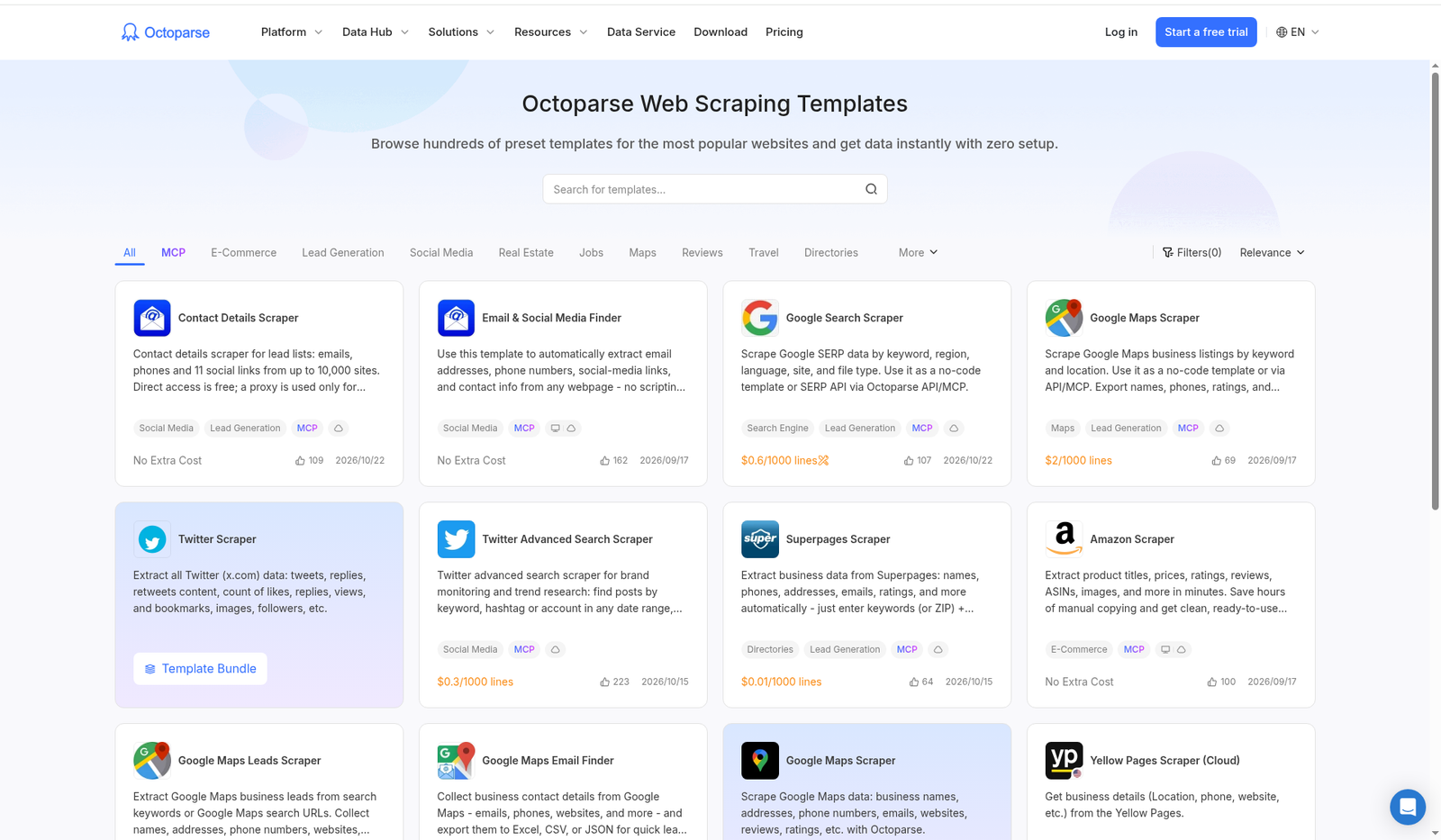
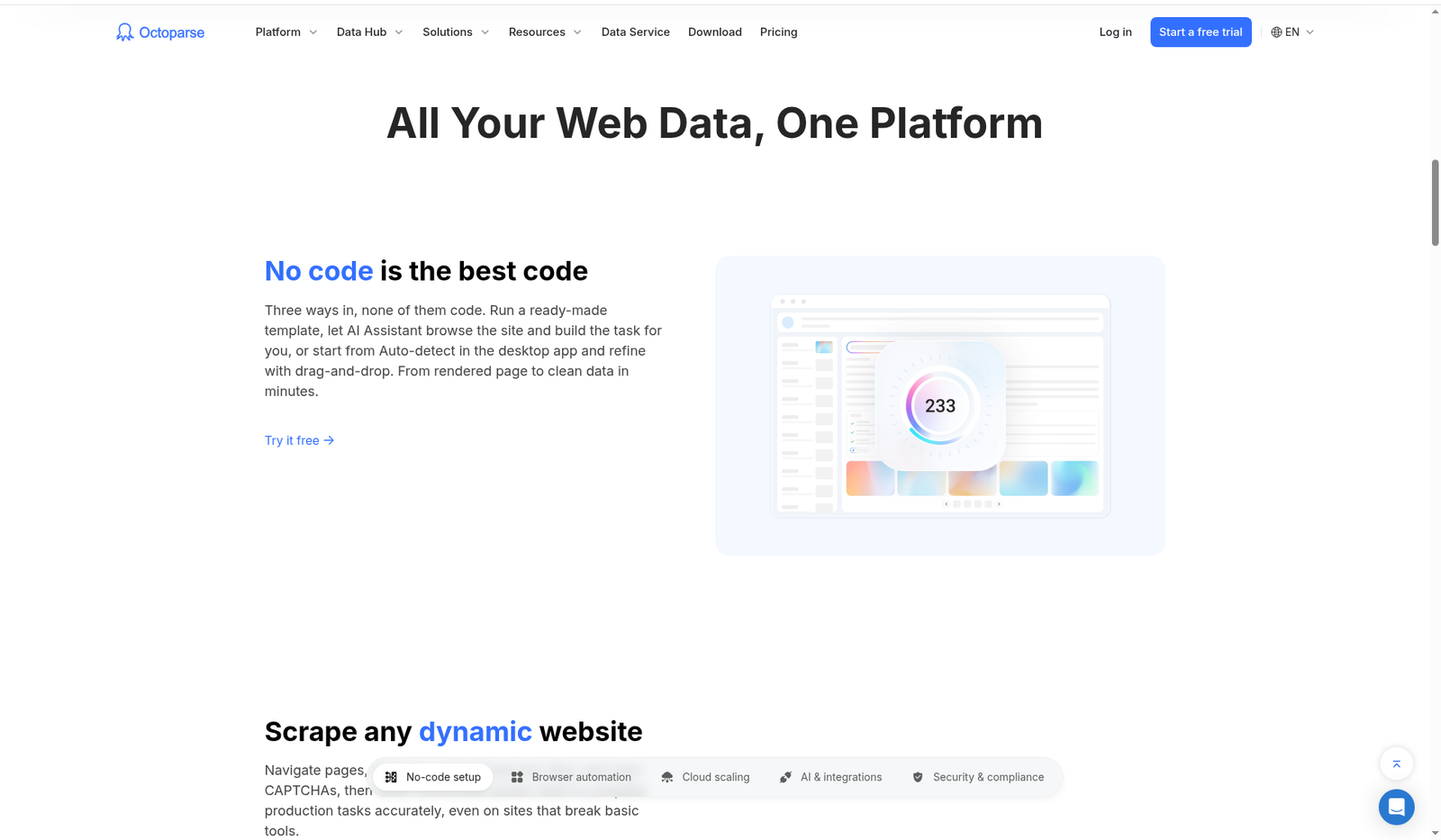
Screenshots below are from public product pages (free-tier / marketing UI). In-app editors often sit behind signup—labels can shift; re-click through when you try each tool.
Browse AI: train a robot → monitor → export
- Sign up (no card for Free). Open the Browse AI dashboard and install the browser extension when prompted for custom robots.
- Create a robot via prebuilt robot (common sites/use cases) or record: open the target page, click the fields/lists you need, follow prompts for pagination / detail (“deep”) scraping.
- Name inputs (start URL, search terms, etc.) so you can reuse the same robot on different queries.
- Run a test task. Check extracted rows in the run history. Fix missed columns by re-training or editing selections—don’t scale a broken robot.
- Turn on monitoring if you care about changes: set frequency (plan minimums apply—hourly on lower tiers, more frequent on higher per pricing FAQ). Credits burn on every check.
- Connect an integration: Google Sheets sync, Airtable, webhook on
taskFinished/ success / error, or Zapier/Make. For bulk pipelines, use the API. - Watch credits: ~10 rows ≈ 1 credit on standard sites; screenshots cost credits; premium sites (harder anti-bot) often 2–10 credits minimum per task.
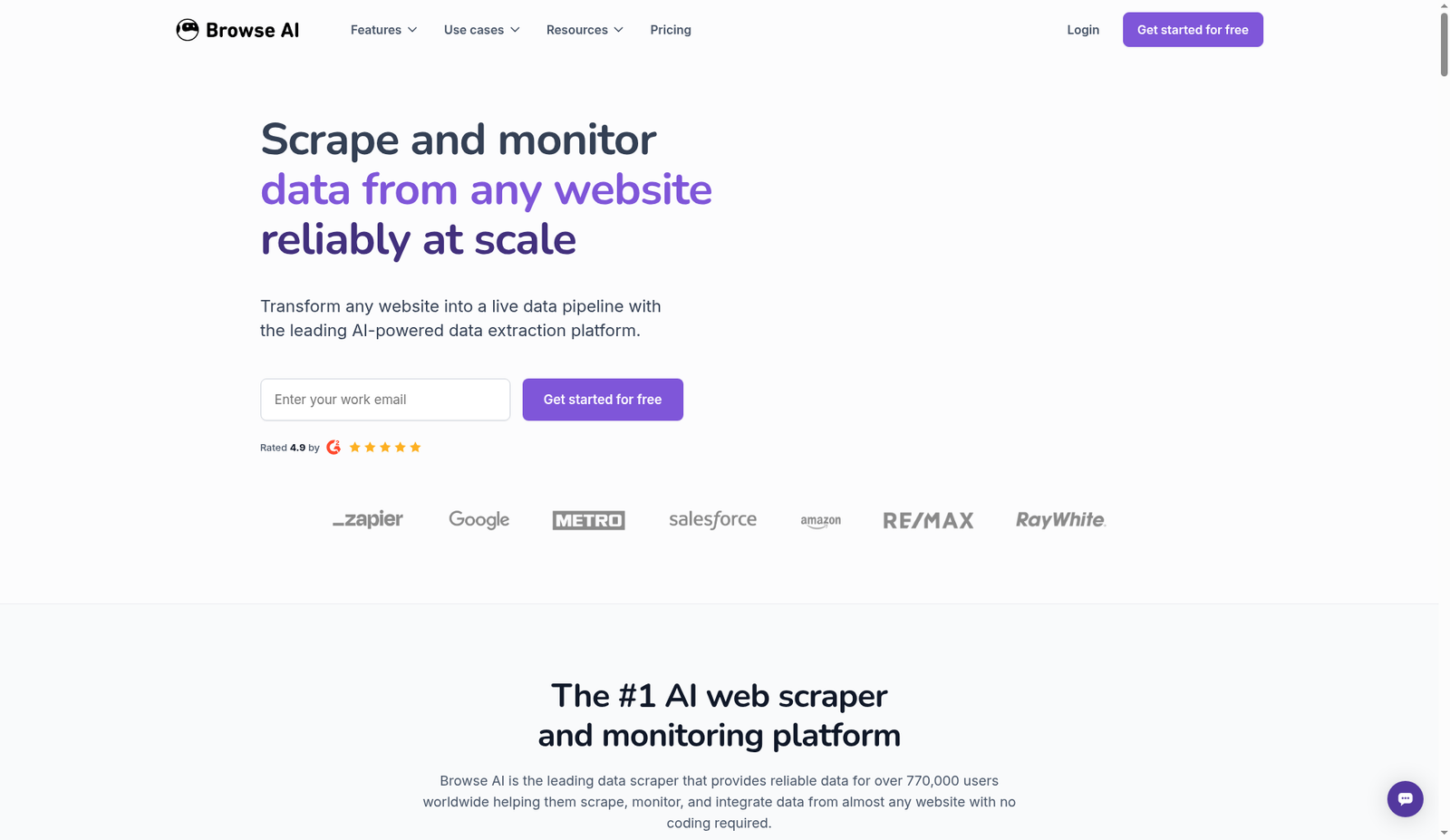
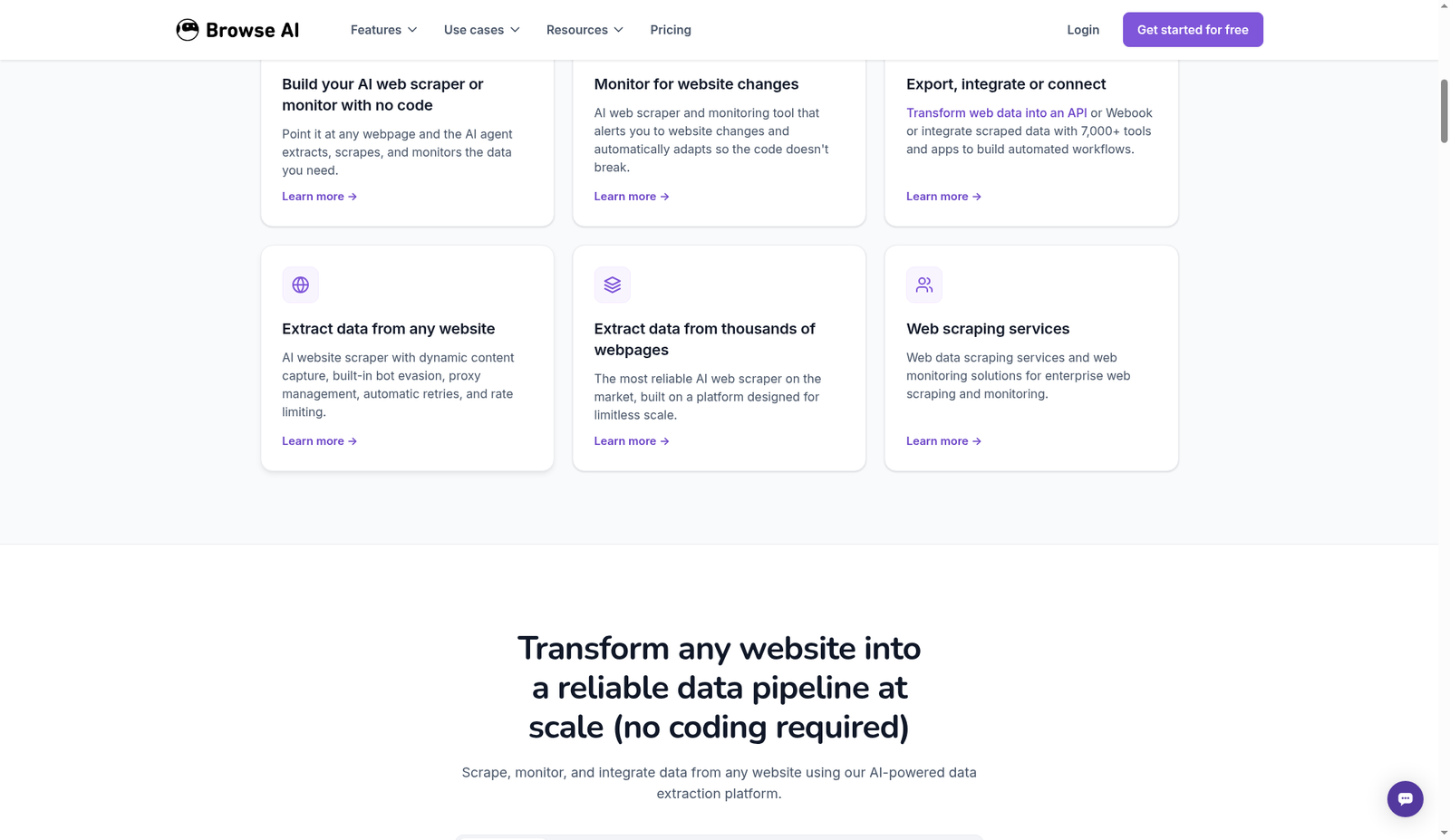
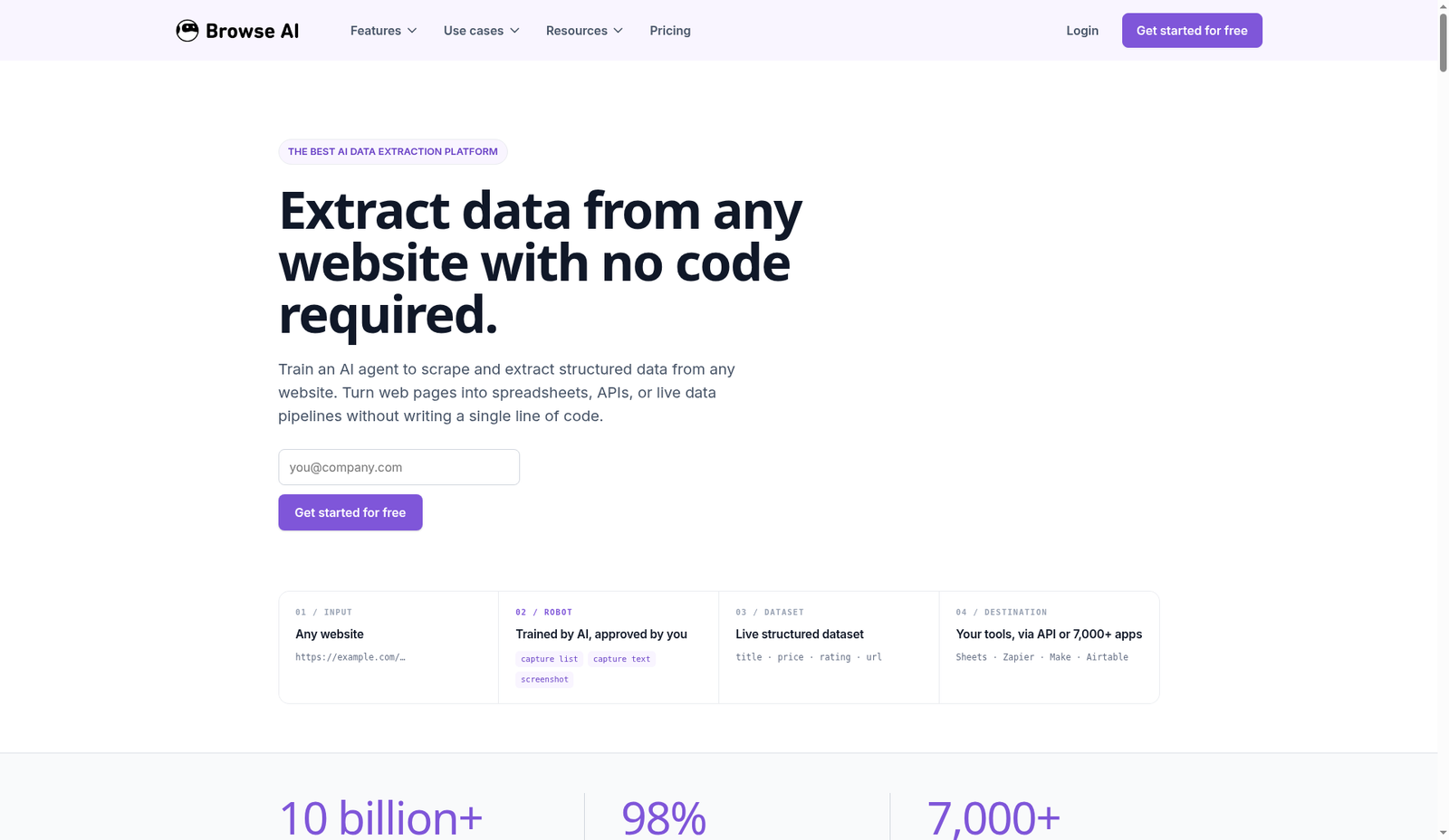
Practical tip: Write the columns you need before you click. Robots trained without a schema wander into messy sheets.
Octoparse: template or desktop task → cloud schedule
- Install the Octoparse desktop app (Free is local-first). Sign in.
- Start from a template for popular sites, use AI Assistant / auto-detect, or open a URL and point-and-click to build the workflow (loops, pagination, clicks, login steps).
- Preview extraction in the app. Confirm XPath/selection logic on a few pages—JS-heavy sites break here first.
- Run locally on Free (task and export caps apply). For always-on jobs, upgrade and move the task to cloud extraction with scheduling.
- Enable anti-blocking tools on paid plans as needed: IP rotation, residential proxies, automatic CAPTCHA solving—budget the add-ons, not just the seat.
- Export Excel/CSV/JSON/HTML/XML; database connectors; on Professional+, cloud destinations and Advanced API for start/stop/status automation.
- Zapier and similar automations typically need a paid Octoparse plan—confirm on your account before promising a workflow pipeline.
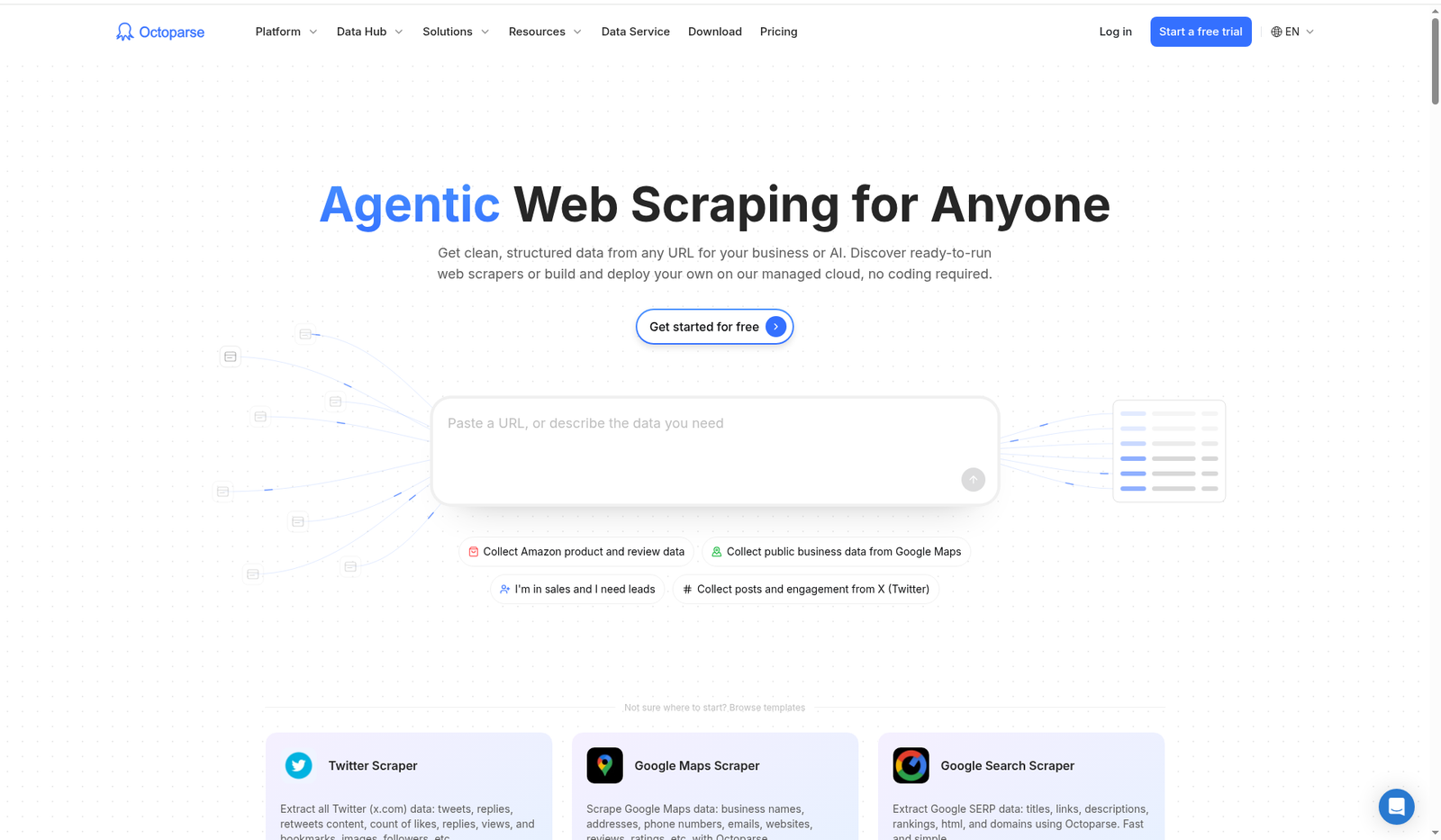
Practical tip: Build the happy path on 20 URLs before you buy concurrent cloud capacity. Most “scraper is broken” tickets are selection logic, not cloud nodes.
Honest setup contrast
| Step | Browse AI | Octoparse |
|---|---|---|
| Primary UI | Web + extension | Desktop app (+ cloud) |
| Mental model | Train a robot by doing | Build / edit a workflow |
| Free runs | Cloud credits (small) | Local tasks (no cloud) |
| Change alerts | Built-in monitoring | Task monitoring on paid / higher features |
| Beginner friction | Extension permission + credit math | Install + learning the workflow canvas |
Pricing & limits (public pages, October 2026)
USD list prices from vendor pages/help centres researched for this draft. Tax, region, promotions, and legacy plans differ. Re-verify browse.ai/pricing and octoparse.com/pricing on publish day.
Browse AI
| Plan | Public list (typical) | Caps (high level) |
|---|---|---|
| Free | $0 | Help centre: ~50 credits/month, 2 websites, 3 users, unlimited robots; full feature access within limits |
| Personal | ~$19/mo billed annually (~$228/yr) for 12k credits/year upfront; higher annual credit packs exist (e.g. 24k). Monthly Personal commonly ~$48/mo for ~2k credits/month | ~5 websites, 3 users; extra websites as add-ons |
| Professional | ~$69/mo annual for 60k credits/year (larger annual packs available). Monthly often ~$87/mo for ~5k credits/month (higher monthly packs listed in help) | ~10 websites, 10 users; priority email; cheaper extra sites/credits |
| Premium | From ~$500/mo annual | Custom limits, managed onboarding, transformations, dedicated AM |
Credit rules (vendor FAQ/help): ~10 extracted rows or 1 screenshot ≈ 1 credit on standard sites; premium/hard sites cost more; unused credits generally reset at cycle end (upgrade edge cases excepted). Max task time and monitor frequency vary by plan (pricing page cites e.g. hourly vs 5-minute minimums on some tiers).
Uncertain / re-check: Browse AI’s live pricing UI mixes annual headline ($19 / $69) with monthly figures ($48 / $87) across tabs—use the help centre plan article + checkout screen as source of truth. Exact Free credit count should be confirmed in-account. Extra-website and top-up unit prices change.
Octoparse
| Plan | Public list (typical) | Caps (high level) |
|---|---|---|
| Free | $0 forever | 10 tasks, 1 device / 1 user, local extraction (e.g. 2 concurrent local), ~50k rows export/month (per-export caps apply), no cloud/scheduling/anti-block suite |
| Standard | From ~$69/mo annual; about ~$83/mo month-to-month (vendor blog) | ~100 tasks, cloud extraction (~3 concurrent), scheduling, IP rotation / proxies / CAPTCHA tooling, unlimited export, Data Export API |
| Professional | ~$249/mo annual; ~$299/mo monthly | ~250 tasks, ~20 concurrent cloud runs, monitoring, cloud backups, Sheets/Drive/Dropbox/S3 style destinations, Advanced API, priority support / training per marketing copy |
| Enterprise | Custom | Team/SLA style needs |
Add-ons (pricing page, verify live): residential proxies often around ~$3/GB; CAPTCHA solving roughly ~$1–1.5 per thousand; pay-per-result templates priced per successful results; optional crawler setup / data services as separate SKUs. Paid plans advertise a 5-day money-back window.
Uncertain / re-check: Some help-centre locales still show older plan names/prices (e.g. Basic tiers)—trust the current English pricing page. Exact concurrent numbers and API scope per tier can shift. Startup/edu discounts exist via application programmes.
Value take
- Light weekly monitoring into Sheets: Browse AI Personal (annual) is often the cleaner buy.
- Learning + occasional one-off extracts: Octoparse Free is unusually usable.
- Always-on multi-task cloud scraping: Octoparse Standard/Professional plus proxy budget—or Browse AI Professional/Premium if you prefer credits and managed options.
- Model true monthly cost = subscription + (Browse AI premium-site credit burn or Octoparse proxy/CAPTCHA add-ons).
Try Browse AI: affiliate link coming soon · Octoparse: affiliate link coming soon
Integrations
Browse AI
- Native: Google Sheets, Airtable, Amazon S3 (plan-dependent presentation), REST API, webhooks (
taskFinished, success/error variants). - Automation hubs: Zapier, Make, Pabbly Connect—and CRM-style recipes via those hubs.
- Best fit: “Robot finishes → row appears in sheet / Slack / CRM” without running a desktop.
Octoparse
- Export-first: Excel, CSV, JSON, HTML, XML; databases (MySQL, SQL Server, PostgreSQL, Oracle) from the app story.
- Cloud destinations: Google Sheets / Drive / Dropbox / S3 emphasised on Professional+.
- API: Data Export API on Standard; Advanced API (run/control tasks) on Professional for Make/n8n/backends.
- Zapier: generally tied to paid plans—confirm before you sell an automation.
Integration verdict: Browse AI wins “connect it this afternoon.” Octoparse wins “pipe bulk extracts into warehouses and control runs from code.”
Anti-bot notes (practical, not magical)
Neither product is a licence to ignore blocks, ToS, or law. Hard sites will still fail; budget retries and human review.
Browse AI
- Positions itself as automatic rate limiting, IP rotation, retries, human-like browsing, and proxy management—you don’t configure most of it.
- Premium sites cost more credits when bot defence / CAPTCHA / heavy rendering applies.
- CAPTCHA: reCAPTCHA / hCaptcha support on paid plans, often enabled via support for specific robots—not every CAPTCHA type (FunCaptcha, text, math, custom often unsupported). Solving is aimed at execution, not always at training time.
- Expect occasional hard fails on aggressive bot management; open a ticket rather than hammering.
Octoparse
- Free local runs use your machine/IP—be gentle; don’t DDoS a site from your home connection.
- Paid cloud adds IP rotation, residential proxies, automatic CAPTCHA solving—with metered add-on costs called out on the pricing page.
- Pay-per-result templates exist for tougher / popular targets—useful, but model unit economics.
Shared reality check
- Prefer official APIs or data partnerships when they exist.
- Slow down; cache; scrape only what you need; store less PII.
- If a site is clearly fighting automation, neither no-code tool is “guaranteed”—that’s when you renegotiate scope with the client.
FAQ (People Also Ask style)
Which is better for beginners: Browse AI or Octoparse?
For pure beginners who want cloud + Sheets, Browse AI usually feels simpler. For beginners happy installing a desktop app and learning workflows—or needing a strong free local tier—Octoparse is an excellent best no-code web scraper for beginners path. Try both free tiers on the same URL.
Is Octoparse a good Browse AI alternative?
Yes—especially if you outgrow website caps, need heavier concurrent cloud jobs, or prefer visual task trees and templates. It’s the most common browse ai alternative in no-code scraping shortlists.
Does Browse AI require coding?
No. Robots are trained with clicks or prebuilts. APIs/webhooks are optional for developers and ops.
Can I scrape without leaving my browser?
Browse AI is closer (extension + cloud). Octoparse’s serious work still centres on the desktop app even when jobs run in the cloud.
How do Browse AI credits work?
Roughly: 10 rows ≈ 1 credit on standard sites; screenshots cost credits; premium/hard sites cost more per task. Credits reset each billing cycle—unused usually don’t roll.
Does Octoparse Free include cloud scraping?
No—Free is local with task/export limits. Cloud, scheduling, and the main anti-blocking toolkit sit on paid plans.
Will these tools bypass all CAPTCHAs and Cloudflare?
No. Both improve odds with proxies, behaviour, and solvers within product limits. Unsupported CAPTCHA types and aggressive bot defence still win. Plan B is always a smaller scope or a legitimate data source.
Can freelancers use both?
Yes. Browse AI for monitored competitor/price/list feeds; Octoparse for bulk historical extracts and complex workflows. Charge for reliable data delivery, not for tool loyalty.
Final recommendation
If your job is keep a sheet fresh and ping me on changes, choose Browse AI. If your job is build and run serious crawl workflows with clear cloud concurrency, choose Octoparse. For browse ai vs octoparse as a beginner shopping question: start Browse AI if you hate installs; start Octoparse Free if you want maximum free extract practice—then pay only for the bottleneck you actually hit (credits vs cloud nodes vs proxies).
Try Browse AI: affiliate link coming soon
Open Octoparse: affiliate link coming soon
Affiliate disclosure (again): We may earn a commission if you purchase via our Browse AI PartnerStack link (affiliate link coming soon). Octoparse is linked for comparison at affiliate link coming soon. This doesn’t change your price. Confirm current features, fair-use, and pricing on the vendor sites before you subscribe—and stay on the right side of site terms and applicable law.